From a blank chart to a validated NT8 strategy
Six steps take an idea through evolution and a full validation battery to a clear verdict — and out to NinjaTrader 8 as clean, standalone code.
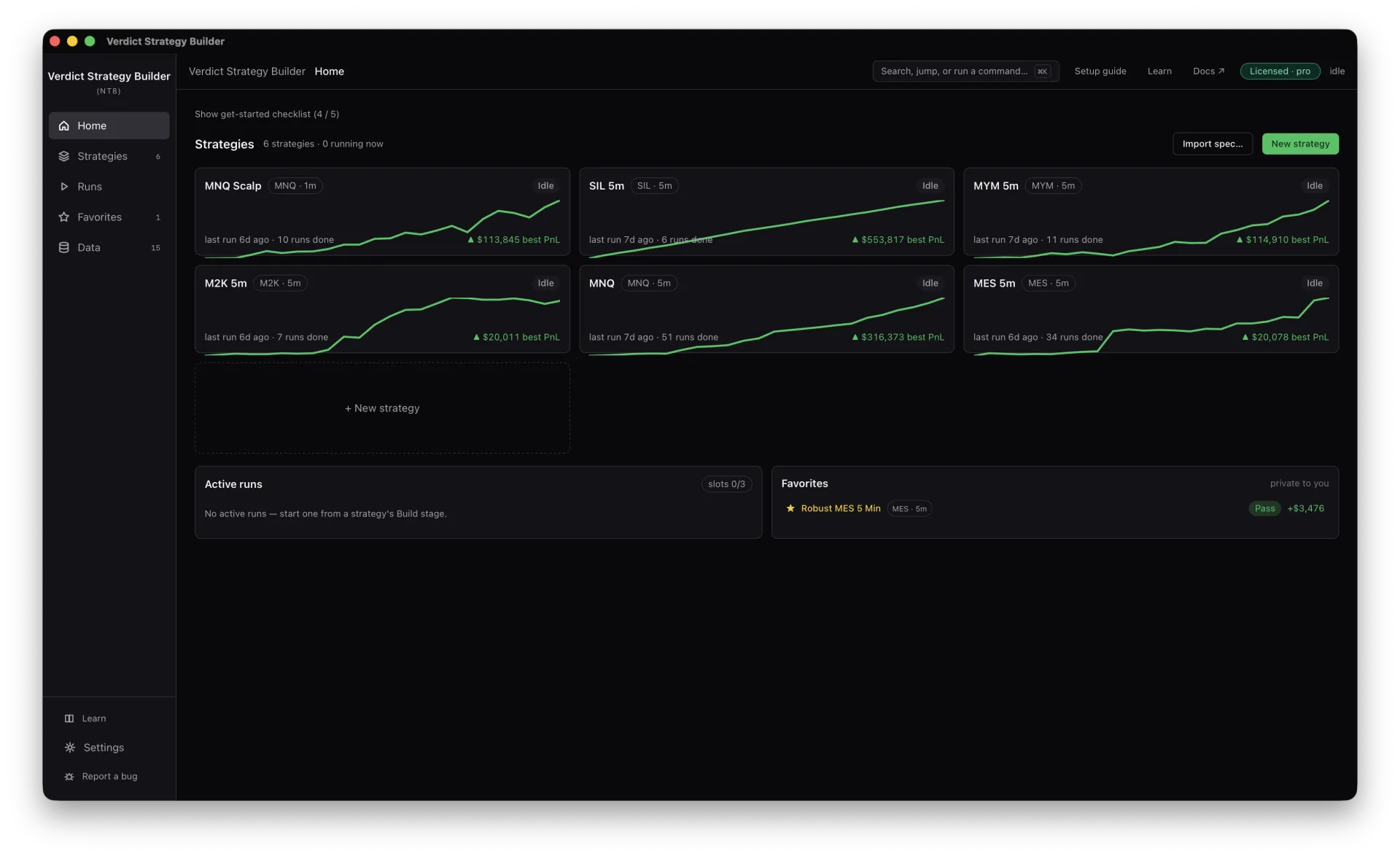
Bring your market data in
Export bars from NinjaTrader 8 and import them once. Your data stays on your machine — link an instrument and timeframe to a strategy and you are ready to search.
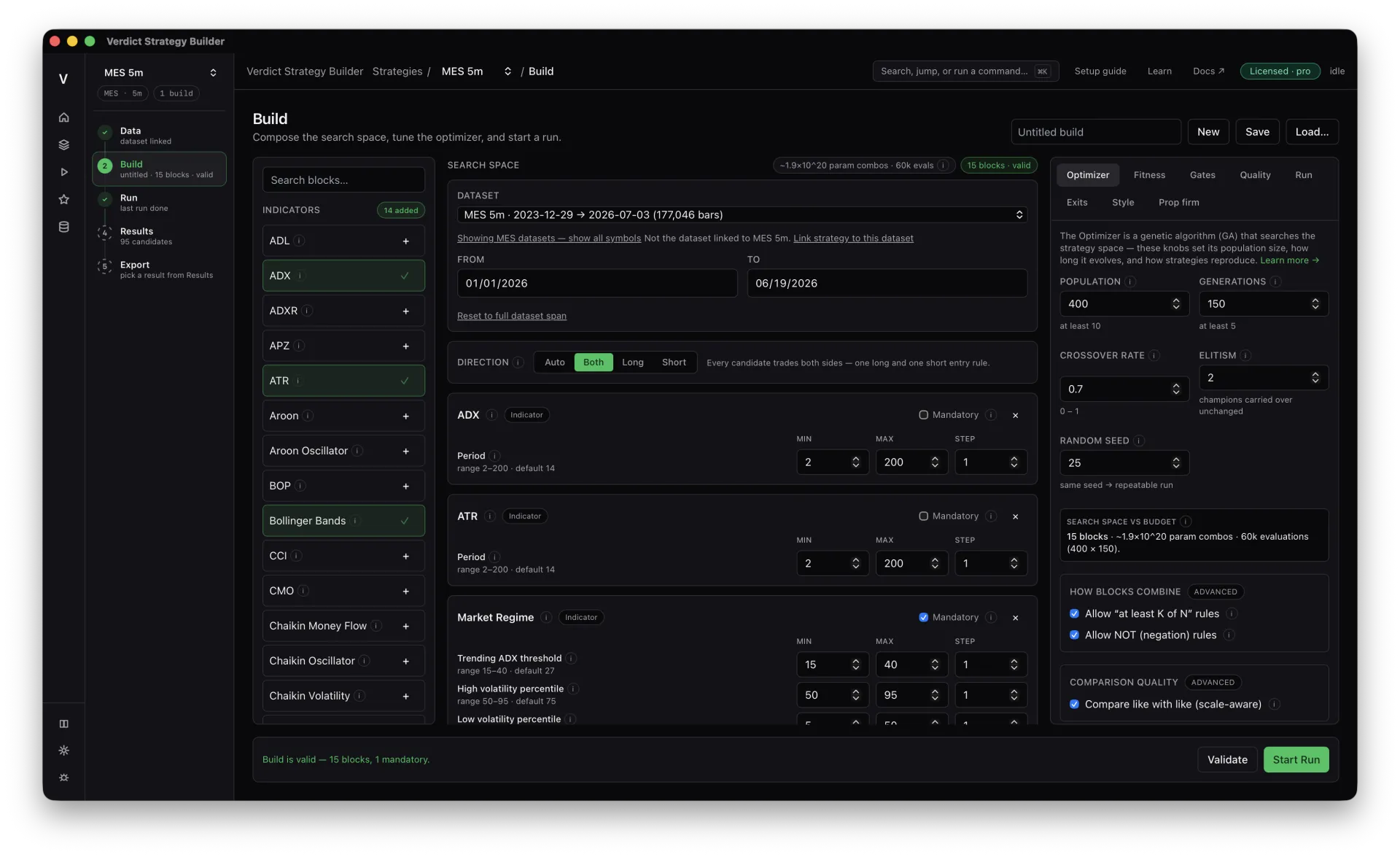
Compose the search space
Pick the indicator blocks, regime filters and risk rules the engine may use, choose a direction, and set the optimizer’s population, generations and crossover. This defines what evolution is allowed to explore.
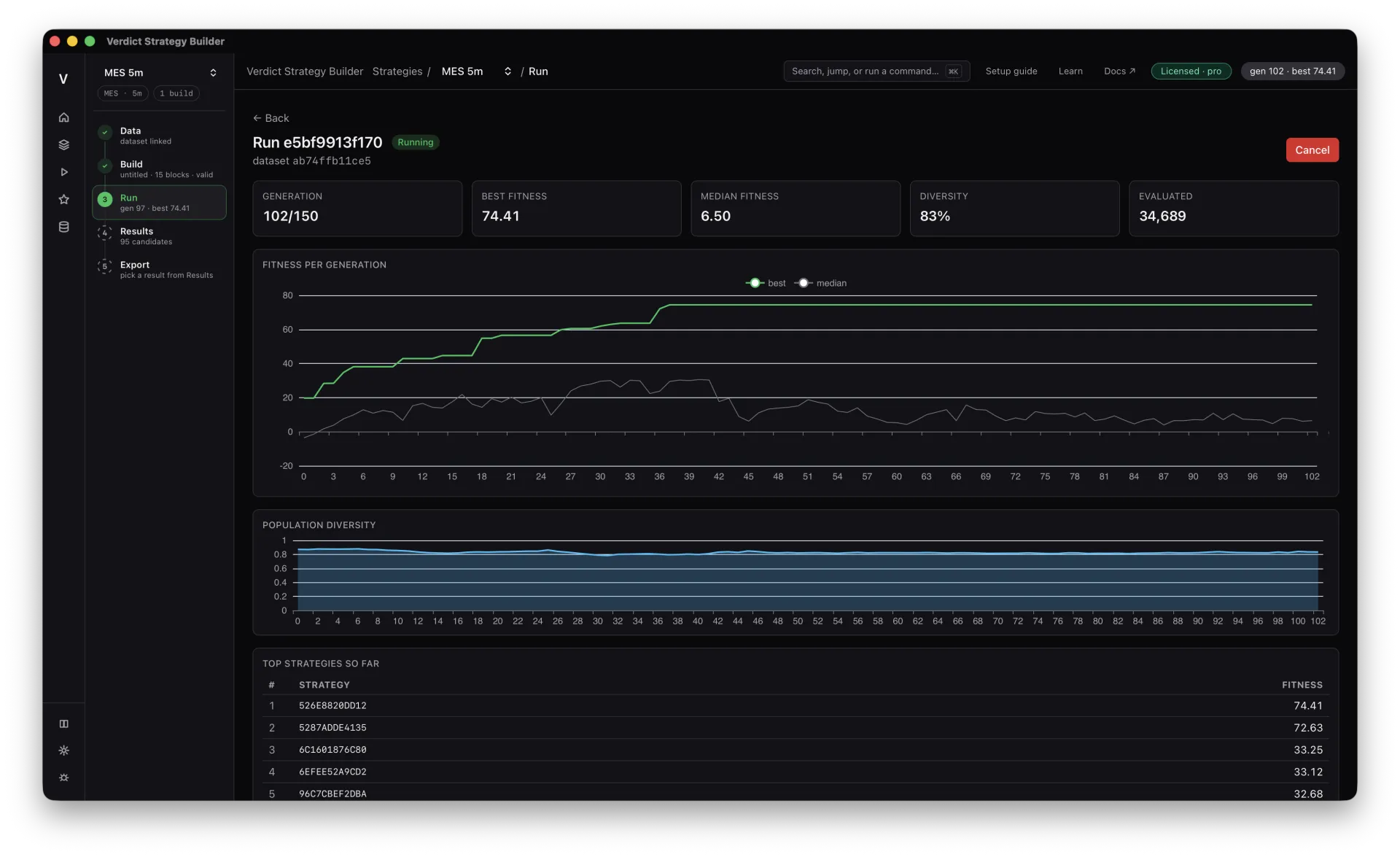
Let it run
A genetic algorithm breeds thousands of candidates, keeps what performs, and recombines it across generations. Watch best and median fitness climb and diversity hold while the search does the heavy lifting.
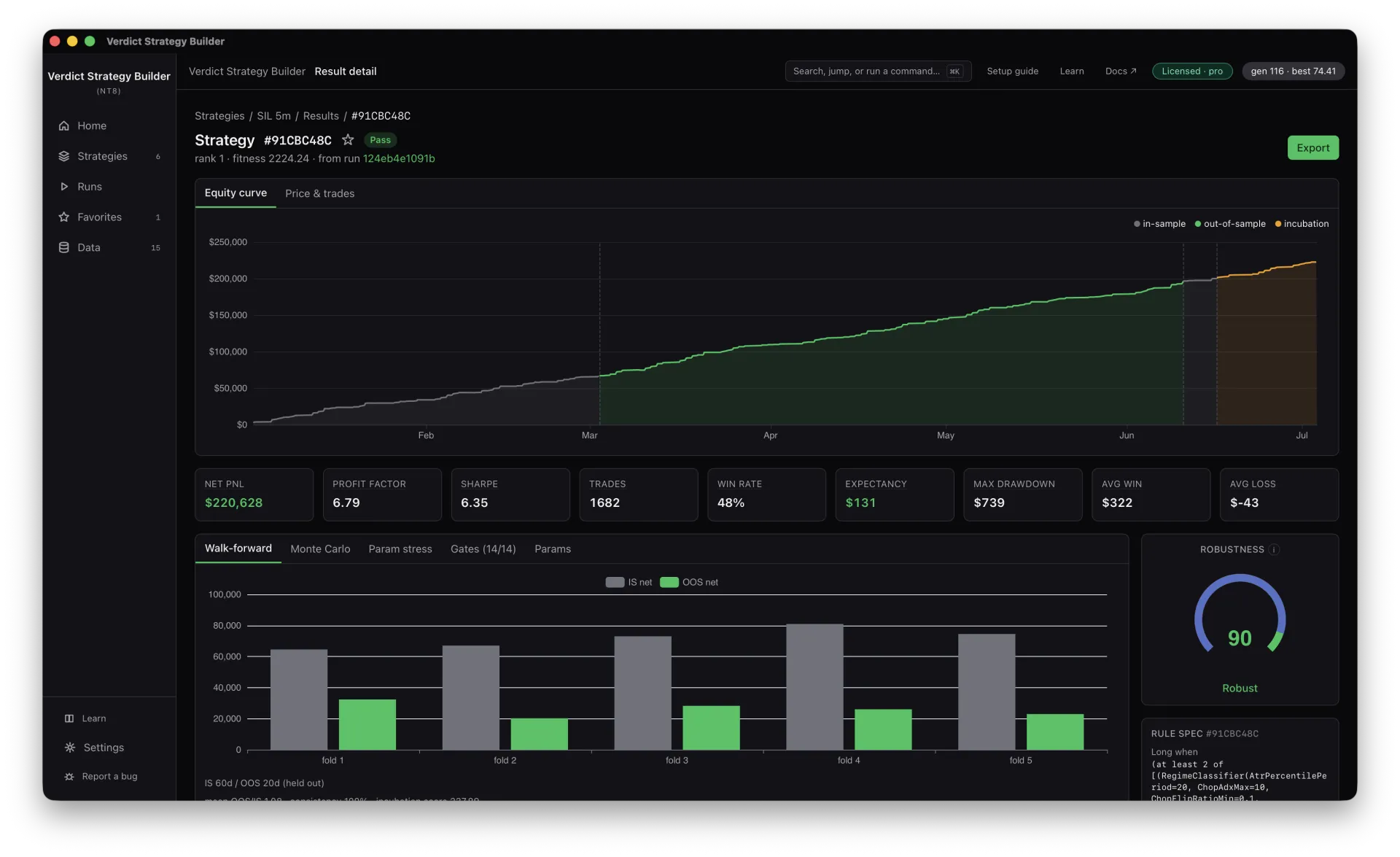
Attack the survivors
Finalists face walk-forward folds, Monte Carlo resampling, parameter-stress and a battery of quality gates. Only strategies that hold up on data the search never saw make it through.
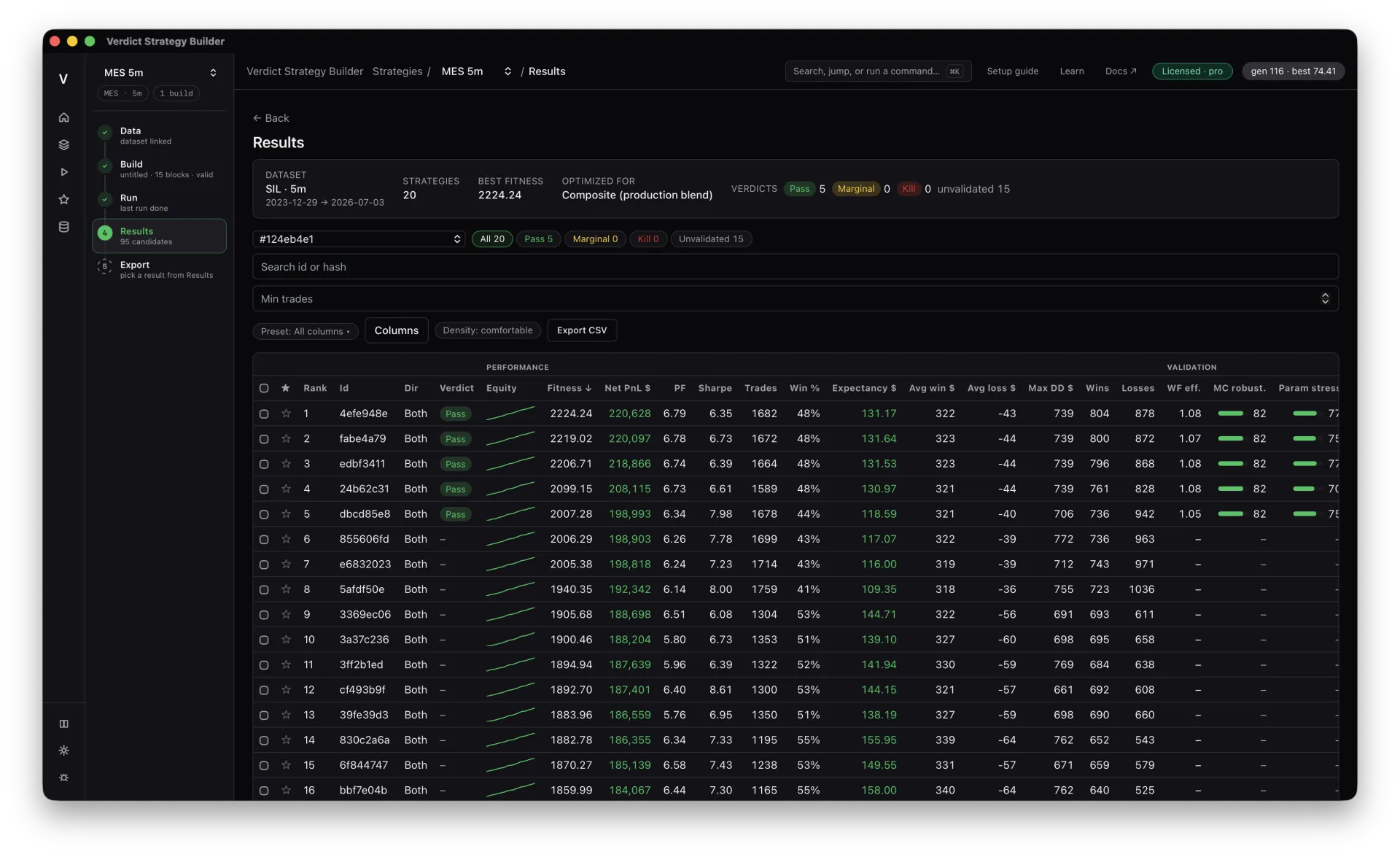
Read the verdict
Every finalist earns a Pass, Marginal or Kill on a ranked leaderboard, with the robustness evidence one click away. You see exactly what survived and why — no guesswork.
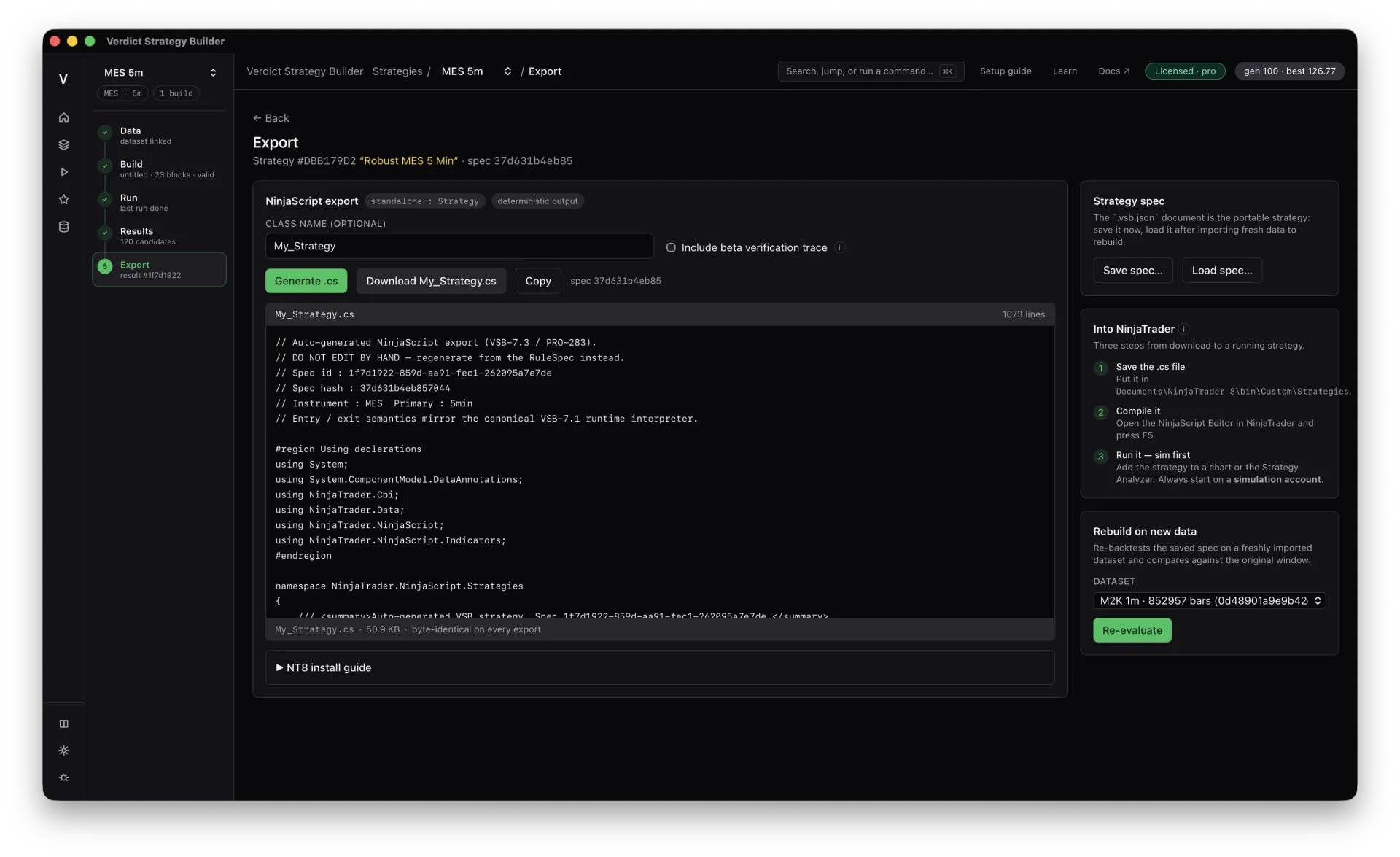
Ship it to NinjaTrader 8
Export a winner to a standalone NinjaScript .cs file, drop it into NinjaTrader 8, compile, and run it on a simulation account first. Same strategy, byte-identical, every time.
Common questions
Do I need to know how to code?
No. You compose the search space visually and the engine writes the strategy. Export produces ready-to-compile NinjaScript — you never have to write C# yourself, though you can read and hand-tune everything if you want to.
Where does my market data come from?
You export historical bars from NinjaTrader 8 and import them into the app once. Your data stays local; only small result metadata syncs to your private account.
How long does a run take?
It depends on the data window, search space and your CPU — runs are CPU-bound, so more cores mean faster generations. You can watch progress live and stop early once fitness plateaus.
What do I actually get at the end?
A ranked leaderboard of validated candidates, each with a verdict and full robustness evidence, plus a standalone NinjaTrader 8 NinjaScript file for any strategy you choose to export.
Ready to run the gauntlet?
Take an idea from import to a validated, NinjaTrader 8-ready strategy today.